How to Set Up Call Tracking on a Website
A business may receive dozens of calls every day without knowing which advertising campaigns generate them. Google Analytics shows website traffic sources and recorded conversions, while the phone system provides call statistics. However, without call tracking in place, the connection between these datasets remains incomplete.
Call tracking helps establish this connection. It identifies the sources of incoming calls and makes it possible to include them when analyzing advertising performance. With CRM integration, businesses can assess not only the number of phone inquiries but also how many of them lead to actual sales.
In this article, we explain what is needed to set up call tracking on a website, how to do it, and how to verify that the system is working correctly.
What You Need to Set Up Call Tracking on a Website
Before setting up call tracking, you need to determine which advertising sources to track. This can be done using static call tracking — with separate phone numbers for individual advertising sources — or dynamic call tracking — with automatic number replacement on the website. The choice depends on the advertising channels and the required level of data detail.
To set it up, you will need:
This is sufficient for basic call tracking functionality. To use call data in advertising analytics, you can also set up integration with Google Analytics 4 (GA4). Connecting a CRM makes it possible to match advertising sources with inquiry statuses and sales results.
How to Set Up Call Tracking on a Website
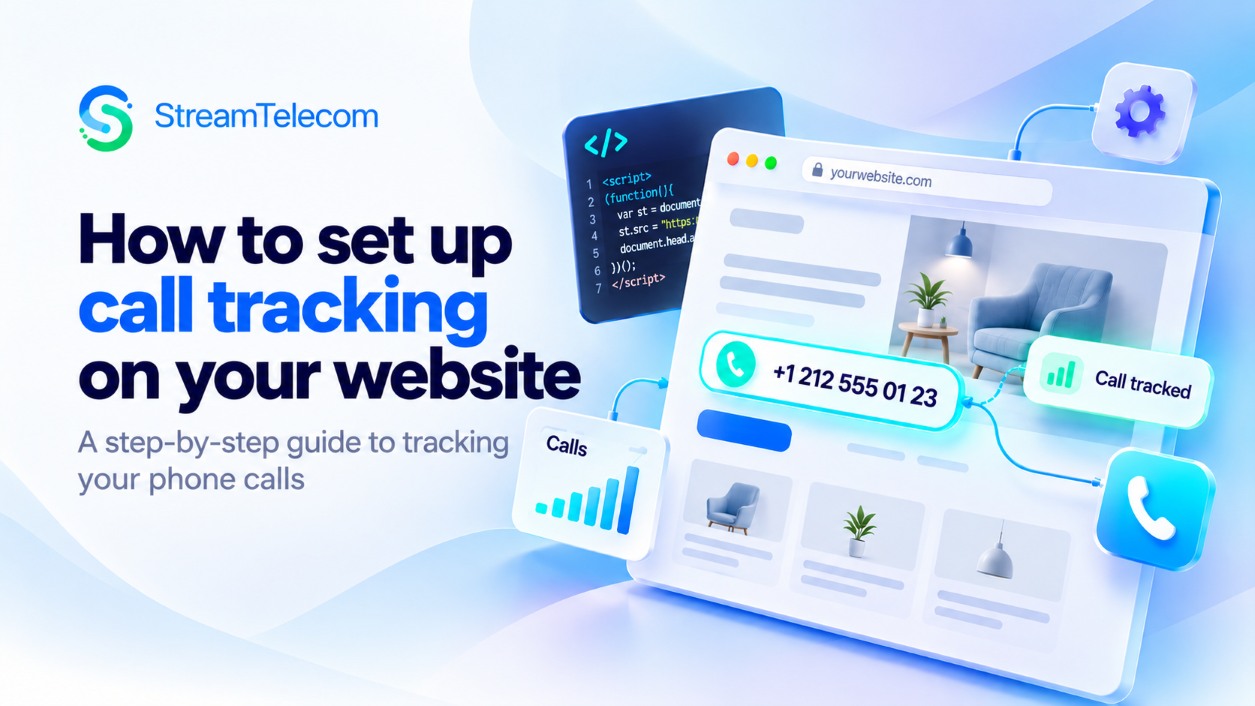
Setting up call tracking involves configuring the service and installing tracking code on the website. In the call tracking dashboard, you specify the number replacement settings: which pages it should work on, which phone numbers should be replaced, and under what conditions the replacement numbers should appear.
Next, the call tracking script is added to the website. One option is to install it through Google Tag Manager, which lets you manage tracking code without directly editing website pages.
Step-by-step instructions for installing the script are provided in the guide “Call Tracking: How to Add Call Tracking Code in Google Tag Manager”.
After publishing the changes, you need to verify that number replacement works as intended: that phone numbers change in all the designated places, click-to-call links work correctly on smartphones, and the advertising sources shown in the reports match the test visits.
If the website uses third-party widgets, forms containing phone numbers, or separate mobile templates, these should also be checked. Such elements may require additional number replacement settings.
With Stream Telecom, you can set up Call Tracking based on your advertising channels, website traffic, and corporate phone system. To determine the optimal configuration and arrange call tracking, contact our specialists for a consultation — submit a request on the website or call us at a convenient time.
Recommended articles
Call Tracking for Small Business: Which Ads Really Bring You Calls Slug: call-tracking-small-business
Read article