
Stream Telecom · Beauty industry
Telephony and CRM
for beauty salons
and barbershops
Great service starts
before the visit.
Help clients book appointments, receptionists respond promptly, and managers stay on top of every enquiry.
For salons, barbershops, beauty studios and chains.
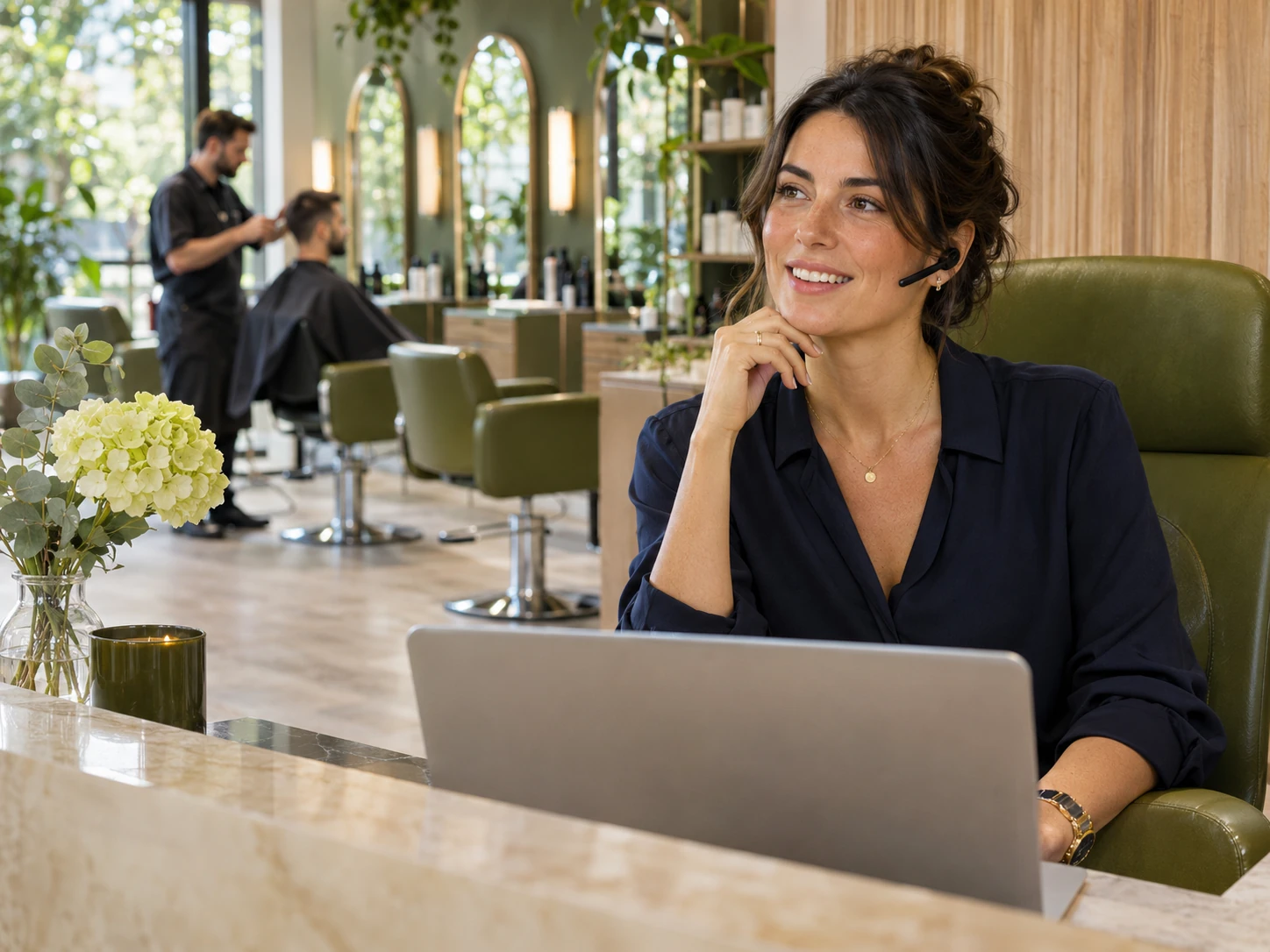
For clients
Easier to get in touch and book
A call, website enquiry or message — each with a clear next step.
For receptionists
Fewer forgotten enquiries
Call logs, conversation history and follow-up tasks.
For managers
A clearer view of operations
Call handling, enquiry sources and consultation quality.
Everyday situations
A stylist is busy with a client.
But another incoming call matters too.
In a salon, both the guest in the chair and someone still choosing a service deserve attention. Organise enquiries so they do not depend on one employee’s memory.
01 / No answer
The receptionist is already on a call
Another client calls at the same time and cannot arrange a visit.
Route the call to an available employee or a queue. Follow up on missed calls using the call log.
02 / The shift has ended
An agreement is buried in messages
The next receptionist does not know what was promised or when to call back.
Keep enquiry details and the next task in your CRM.
03 / Appointment at risk
The client forgot the time or address
Staff have to manually confirm the appointment and explain how to find the salon.
Send reminders using an agreed workflow and data from your booking system.
Built for your business
One studio or an entire chain.
Communications that fit your needs.
Beauty salon
Share questions about services, bookings and rescheduling among receptionists.
Barbershop
Take enquiries while barbers look after guests. Confirm the preferred barber and time.
Beauty studio
Collect requests for manicures, treatments and other services. Start with the number of users you need.
Salon chain
Set up branch-specific call routing, consistent enquiry handling and call monitoring.
01 / Virtual PBX
Give every call
a clear route.
Connect your receptionists in one business phone system. Set rules for business hours, busy lines and calls after closing.
- Multichannel phone number and inbound call queue.
- Forward calls to an available employee or the right branch.
- Greetings and routing based on opening hours.
- Call logs and recordings for reviewing consultations.


02 / CRM and conversation history
Pick up the conversation.
No need to start over.
The client has already discussed a service, stylist and preferred date. Save those details so any receptionist can continue the conversation.
- Contacts, notes and interaction history.
- Callback and enquiry follow-up tasks.
- Assigned employee and handling outcome.
- Data exchange with your CRM, subject to compatibility checks.
StreamCRM helps you manage enquiries. Staff schedules and confirmed appointments remain in your booking system; data exchange with it is configured separately.
03 / Appointment reminders
Remind clients about appointments.
Give them an easy way to reach you.
Time, service, address and rescheduling number — everything in one message. It is easier for staff to handle changes and for clients to prepare.
- SMS reminders with approved wording.
- Voice notifications via RoboCall for suitable scenarios.
- Follow-up messages when bookings change, based on configured events.
Automatic reminders require appointment data and an integration with the booking system. Replying and rescheduling options depend on the selected channel and workflow.

04 / Website enquiries
A visitor is choosing a salon.
Help them take the next step.
Callback request
GetClient lets visitors leave their phone number so a receptionist can contact them and answer questions.
Live chat
LiveAssist lets visitors ask about a service on your website and continue chatting with your team.
Chatbot
Stream Bot can collect preferences and contact details. Booking an available time slot requires integration with your schedule.
Choose each channel for a specific need. There is no need to launch every tool at once.

05 / Advertising and return visits
Know where clients come from.
Understand why they return.
Call Tracking attributes calls to advertising sources. CRM helps record conversation outcomes, while ServicePulse gathers feedback after visits.
- Compare sources by enquiries and, with data integration, confirmed bookings.
- Ask clients about their experience via a link or QR-code survey.
- Plan follow-ups based on the service and the client’s consent.
To measure completed visits and revenue, you need accurate statuses, payment data and configured data exchange with your management system.
What we will discuss
System name and version.
Call and contact data exchange.
Booking creation and rescheduling events.
Staff permissions and scope of work.
A straightforward rollout
Your daily workflow first.
Configuration comes next.
01
Review your enquiries
How many receptionists, branches and numbers you have, and what happens to calls today.
02
Design the solution
Select services, routing and integrations. Agree on pricing and timelines.
03
Test the workflows
Test calls, busy lines, out-of-hours handling and the agreed data exchange.
04
Onboard the team
Show staff how to manage enquiries. Agree on support and future configuration.
Solution pricing
Start with what you need.
Expand as you grow.
We will tailor the setup to your salon’s call volume, with recurring charges and one-time work itemised separately.
Pricing depends on users, phone numbers, call and message volumes, selected service licences and integration work. For a quote, tell us how many branches and receptionists you have and which booking system you use.
Before getting started
Questions about telephony
and CRM for salons
Contact us
For a quote: branches, employees,
numbers and booking system.
IP telephony for beauty salons and barbershops in Ukraine
Telephony for beauty salons helps distribute enquiries among receptionists, monitor missed calls and stay in touch with clients. Barbershops, nail studios and beauty chains can use tailored call routes and handling rules.
Virtual PBX manages call flows, StreamCRM manages contacts and tasks, and Call Tracking identifies call sources. Reminders and booking-software data exchange can be added once integrations have been agreed. Start with the tools your salon needs today.