
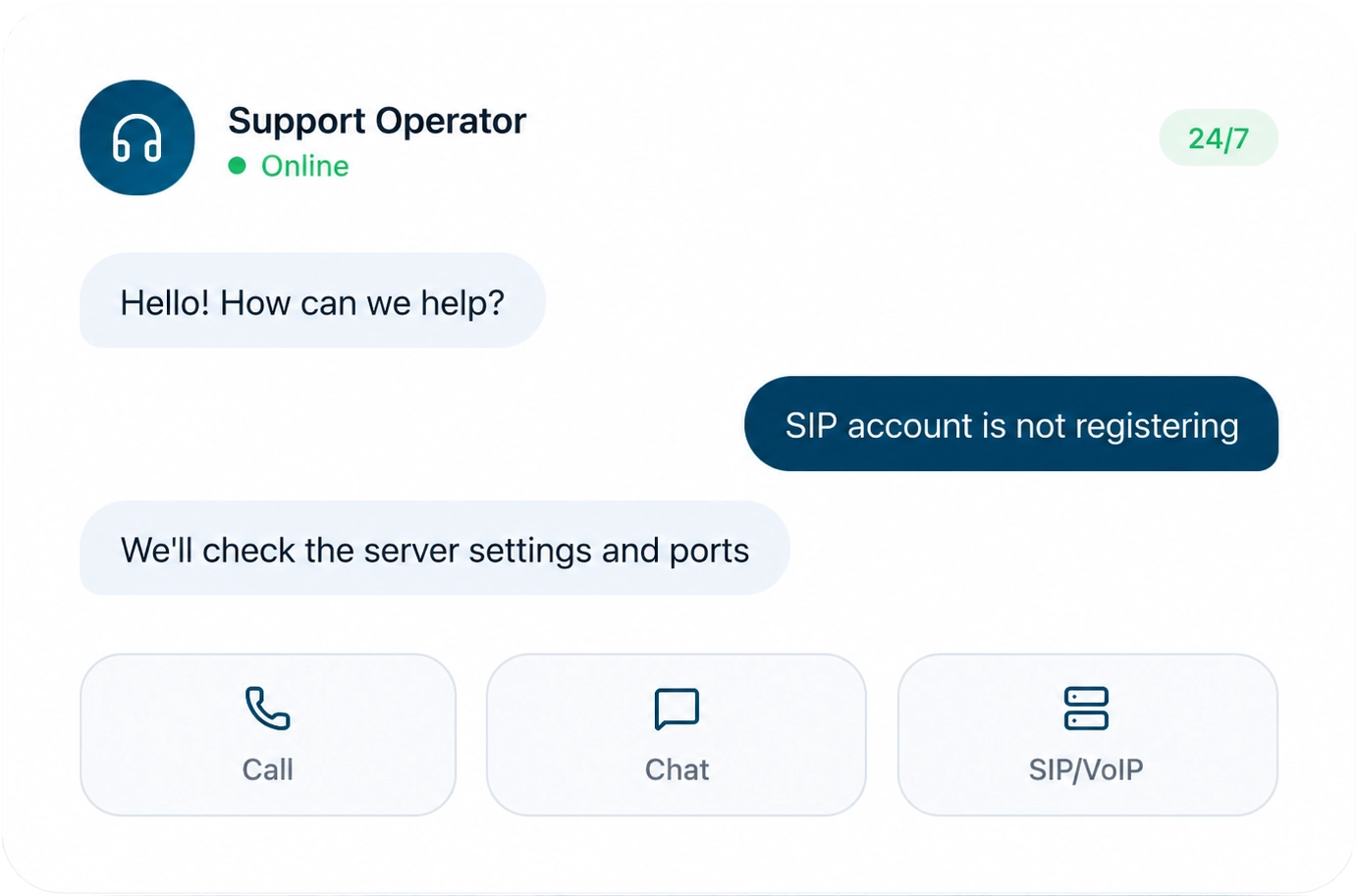
What technical support can help with
We resolve issues across the full range of Stream Telecom services — from setting up a single SIP phone to integrating telephony with CRM.

SIP phone setup
We will help connect the device and check registration.

Company service setup
We will help with setup and provide consultations on using the company’s services.

Virtual PBX
Configuration of call scenarios, groups, and users.

Connection quality check
Network diagnostics, latency, and packet loss checks.

Audio issues
Echo, silence, interruptions, and low volume.

Forwarding and routing
Flexible call distribution scenarios.

Telephony integration with CRM
StreamCRM, Creatio, KeyCRM, and other systems.

Number setup
0800, landline, mobile, multichannel, and international numbers.

Solving technical issues
We will help identify and resolve issues in the operation of services
Check your connection in 1 minute
A simple step-by-step guide that helps you resolve most communication issues on your own.


Frequently asked questions about telephony
Ready answers for common situations. If the solution did not help, contact support.
How to contact support

Call
Call 0 800 35 21 11 or +380 (44) 300 21 11 — our specialists will help you quickly.

Send an email
Send an email to support@streamtele.com with a description of the issue — we will reply within the working day.

Describe the issue in detail
The more details you provide, the faster we will find the cause and suggest a solution.
What to include in your request
Prepared information allows the support specialist to start diagnosing the issue immediately without unnecessary follow-up questions.


