
Stream Telecom · Real Estate
Telephony & CRM
for Real Estate
From the First Call —
to a Viewing and a Deal.
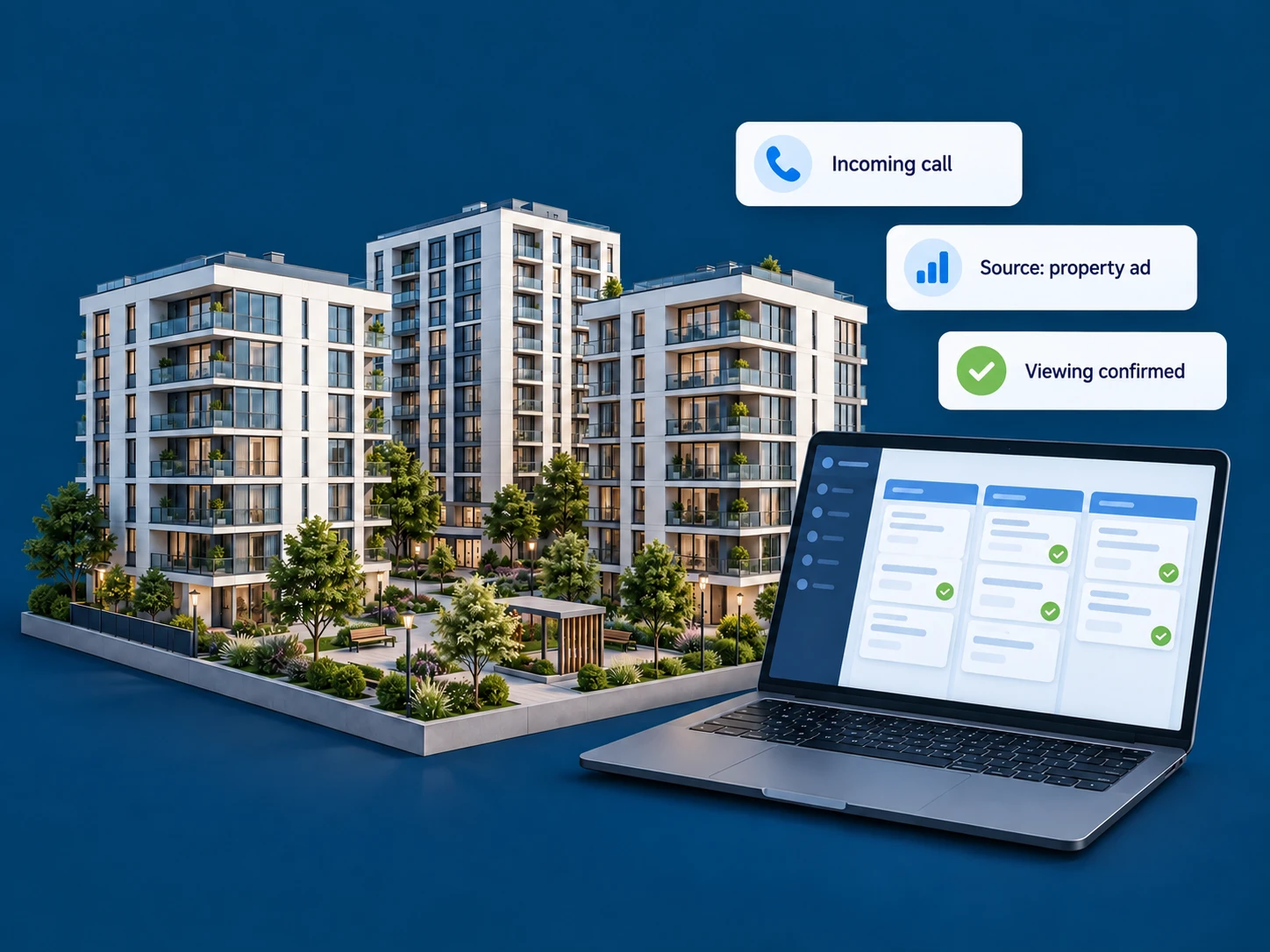
Bring advertising, calls, and sales-team workflows together. Help managers respond to buyers on time and give team leaders a clear view of every inquiry.
For property developers, real estate agencies, and multi-office networks.
Where Buyer Interest Gets Lost
Advertising Brought the Lead.
Now Keep the Conversation Going.
Real estate decisions are rarely made after a single call. At every stage, the buyer needs attention, accurate information, and a clear next step.
01 / Virtual PBX
The Call Reaches
the Right Sales Team.
Set up unified telephony for one agency or multiple residential developments. Route calls by property, team, and working schedule.
- Multichannel numbers, call queues, and forwarding.
- Voice menu for selecting a property or department.
- Call history and recordings for reviewing consultations.
Billboard
Number A
Listing
Number B
Development Website
Pool No.
02 / Call Tracking
Which Advertising Brings
Future Buyers?
Separate inquiries from the development website, advertising platforms, and outdoor placements. Compare sources by calls and, with CRM integration, by how leads progress toward a deal.
- Separate phone numbers for listings and offline advertising.
- Dynamic number insertion on the website.
- Cost-per-inquiry analysis when advertising spend data is available.
Using your own number depends on the platform’s rules. Online source detail depends on tracking setup and available data.
Billboard
Number A
Listing
Number B
Development Website
Pool No.
03 / StreamCRM & Integrations
After the Call,
There Is a Clear Next Step.
Record what the buyer is looking for, which properties were discussed, and when the meeting is scheduled. Configure pipeline stages around your sales cycle — from a new inquiry to a closed deal.
- Contacts, communication history, and notes.
- Tasks and reminders for calls and meetings.
- Custom fields for budget and property requirements.
Already using another CRM? We can discuss the integration options available for your system.
Example Buyer RecordApartment Search for a FamilyStage: Viewing Scheduled
FMC · Mobile Employees
The Agent Is on Site.
Calls Stay in the System.
Connect a dedicated FMC SIM card to your corporate telephony. Employees use the mobile network while business calls remain connected to company workflows.
- Calls over the mobile network without requiring internet access on the phone.
- Recording and forwarding of business calls.
- CRM logging when the integration is configured.
FMC availability and SIM-card workflows are confirmed for your team. Mobile network coverage is required for calls.
Corporate Communications · FMC
Apartment BuyerCall to a manager at a viewing
GetClient · Callback
From Viewing a Floor Plan —
to a Conversation with a Manager.
A visitor is interested in an apartment but not ready to call yet? Let them request a callback through GetClient. The widget connects the manager and customer according to your configured scenario.
- Callback requests from desktop or smartphone.
- Choice of callback time within working hours.
- Colors, text, and logo matched to your development’s branding.
A Solution for Your Team
Different Scales.
One Consistent Customer Workflow.
Start with the capabilities you need today. Add other services as your business grows.
Straightforward Connection
Your Process Comes First.
Then We Configure the Services.
01
Understand Your Requirements
We review your properties, team structure, current phone numbers, CRM, and advertising channels.
02
Build the Solution
We agree on services, call routing, integrations, and pricing.
03
Test the Scenarios
We test incoming calls, busy scenarios, after-hours handling, and data transfer.
04
Launch with Your Team
We show employees how to work with calls and customer inquiries.
WHAT TO KNOW BEFORE CONNECTION
Frequently Asked Questions about Telephony & CRM for Real Estate
Next Step
Your Next Buyer
Could Call Today.
Let’s prepare your team for that conversation. We’ll select telephony, analytics, and CRM tools that fit your properties and sales process.
IP Telephony for Real Estate Agencies and Property Developers in Ukraine
In real estate sales, it is important to support the customer throughout the entire journey — from the first question about an apartment to the viewing, discussion of terms, and purchase decision. Telephony for a real estate agency helps organize inquiry handling, while CRM preserves context and supports follow-up planning. For property developers with multiple projects, separating call flows and tracking advertising sources is especially valuable.
Stream Telecom lets you build a solution from connected services: Virtual PBX, Call Tracking, StreamCRM, FMC mobile communications, and the GetClient widget. Choose the tools your sales team needs and create a consistent workflow for working with buyers.