SIP, VoIP, IP Telephony and FMC: How Business Telephony Technologies Work
SIP, VoIP, IP telephony and FMC are terms often found in descriptions of corporate communications. At first glance, they may seem like different types of telephony, with a company having to choose just one. In fact, these technologies serve different purposes and can work together within a single system. Understanding their differences matters when a company plans to modernize its telephony, connect remote employees or integrate communications with a CRM system.
Modern business telephony has long since moved beyond desk phones. Managers can answer corporate calls on computers and smartphones, work from any city, transfer calls between departments and keep call histories in a CRM system. But which technologies make these capabilities possible?
Let us explore how SIP, VoIP, IP telephony and FMC differ, how a phone call travels from a customer to a manager, and which solutions to use depending on business needs.
What IP Telephony Is and How It Works
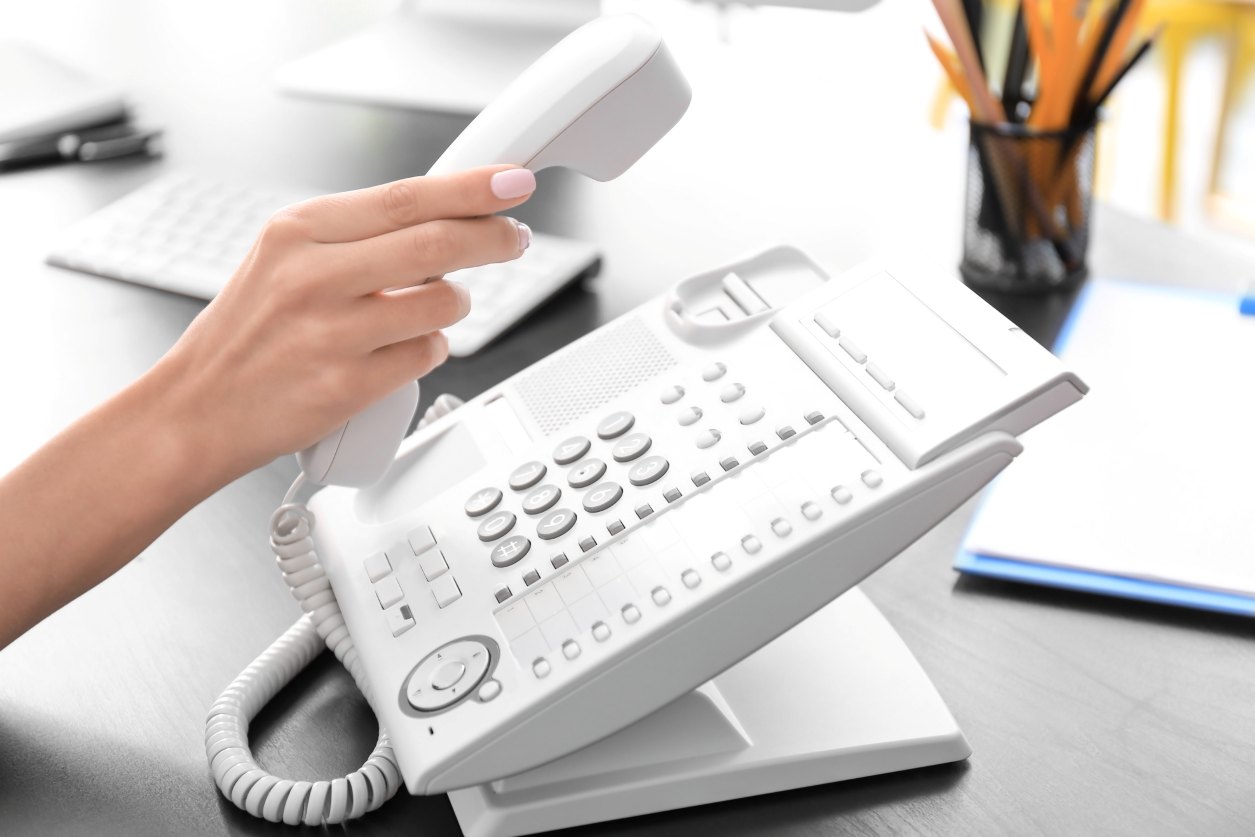
IP telephony is a telephone communications system that uses IP networks, including the internet, to make and receive calls. Unlike traditional analog telephony, it does not require separate analog telephone lines to be installed.
IP telephony includes several components: VoIP voice transmission technology, protocols for establishing connections, telephone numbers, hardware and software solutions. Together, they enable communication between company employees and customers, including subscribers on conventional mobile and landline networks.
In practice, IP telephony allows calls to be made not only from desk phones but also from computers and smartphones. An employee connects to the corporate telephone system using a suitable device or app and can use their extension without being tied to a particular workstation.
What You Need to Use IP Telephony
Connecting IP telephony usually requires just three main components:
- Internet access. An office network, home internet connection or mobile internet can be used.
- A provider's telephone service. This provides access to telephone numbers and the ability to make and receive calls.
- A calling device. An IP phone, computer or smartphone with a calling app (softphone).
If a company needs employee extensions, automatic call distribution, a voice menu or call recording, it can also connect a Virtual PBX. It runs on the provider's servers, so there is no need to install an in-house telephone exchange at the office.
During power outages, IP telephony can continue working if internet access and the required equipment remain operational. For example, employees can receive corporate calls on smartphones using mobile internet. For greater communication reliability, a company can use FMC, a technology that connects mobile employees to the corporate telephone system without relying on an internet connection on their phones.
What VoIP Is and How Voice Calls Work over the Internet
VoIP (Voice over Internet Protocol) is a technology for transmitting voice over IP networks that underpins modern IP telephony. It converts voice signals into digital data, transmits that data over a network and reproduces the sound on the other person's device.
Several processes take place during a call:
- Voice conversion. The device's microphone captures sound, which is converted into digital form and encoded for transmission.
- Data transmission. Voice information is divided into small packets that travel over the network to the other person.
- Audio playback. The device receives the packets, decodes the voice data and plays the sound through a speaker or headphones.
These processes run continuously throughout the conversation. Call quality depends on network conditions, data transmission delays and other technical parameters.
Where VoIP Is Used in Business
VoIP is used in corporate IP telephony, cloud contact centers, video conferencing systems and voice AI services. In each case, the technology performs the same task: transmitting voice over an IP network. Call handling, conversation automation and integrations with business systems are handled by other components of the respective solution.
Transmitting voice alone is not enough to make a phone call: a connection must also be established between participants, and the communication session must be managed. Many IP telephony systems use the SIP protocol for this purpose.
What SIP Is and Why It Is Used in Telephony
SIP (Session Initiation Protocol) is a signaling protocol used to establish, manage and terminate communication sessions in IP telephony. It enables the exchange of service messages between devices and telephone servers that are necessary to set up a call.
Unlike VoIP, SIP does not carry voice; it manages the telephone connection. The actual voice stream is usually transmitted using RTP (Real-time Transport Protocol).
How SIP Works During a Call
- Call initiation. When a manager dials a number, the phone or app sends a SIP request to establish a connection.
- Connection establishment. The telephone system routes the call to the intended recipient. After the call is answered, the session parameters are agreed upon and voice transmission begins.
- Call termination. When one participant hangs up, SIP sends a message to end the session.
or app
and termination
as data packets
system
SIP handles signaling. Voice in VoIP systems is usually transmitted via RTP.
SIP is used in both small telephone systems and corporate networks with large numbers of subscribers.
What a SIP Trunk Is and How Businesses Use It
A SIP trunk (SIP Trunk) connects a corporate PBX to a telephone operator over an IP network. It allows calls to be made to and received from external numbers without traditional physical telephone lines.
One SIP trunk can support several simultaneous conversations. The number depends on the provider's terms and the telephone system's settings.
For example, a company has a sales department with 20 managers and one corporate phone number. A SIP trunk allows several managers to speak with customers simultaneously using that one number, provided there are enough telephone channels and the PBX is configured accordingly.
SIP trunks are used in contact centers, corporate telephone networks and to connect voice bots to a PBX. They enable telephone systems to communicate with each other, while the PBX manages call routing and additional features.
What FMC Is and How It Unifies Mobile and Corporate Communications
FMC (Fixed Mobile Convergence) is a technology that integrates mobile communications with a corporate telephone system. It allows employees to make and receive work calls on ordinary mobile phones using the capabilities of a corporate PBX.
Unlike standard call forwarding, FMC enables both incoming and outgoing employee work calls to be managed through the corporate PBX. For example, a manager calls a customer from their smartphone using a special SIM card or eSIM. In this case, the customer sees the company's configured corporate number rather than the manager's individual mobile number. The call is logged in the PBX history, and a supervisor can review call statistics.
At Stream Telecom, this technology is available through the “Mobile Employees”service. It also allows colleagues to reach one another using short internal extension numbers. Calls run over the mobile operator's voice network, so there is no need to install a separate app or enable mobile internet for conversations.

FMC and Stream Phone: Staying Connected for Work Outside the Office
Corporate calls on a smartphone can be arranged in two ways: through a mobile operator's network or over the internet. Stream Telecom offers FMC and Stream Phone — a mobile app for using corporate telephony.
The solutions differ not only in how they connect but also in the features they offer:
Both solutions can be used outside the office, including during power outages. If office internet is unavailable, Stream Phone can work over mobile internet, while FMC uses the operator's voice network without an internet connection on the smartphone. In both cases, suitable mobile network coverage and functioning telephone infrastructure are required.
FMC is a sensible choice for employees who need to make calls in the usual way while remaining part of the corporate telephone system. Stream Phone is better suited to roles that require quick access to customer information alongside phone calls.
SIP, VoIP, IP Telephony and FMC: What Is the Difference?
SIP, VoIP, IP telephony and FMC are not four alternative ways to organize communications. They perform different functions and can be used together as part of one corporate telephone system.
The key difference is the purpose of each technology:
| Technology | What It Means | Main Function | Example of Business Use |
|---|---|---|---|
| IP telephony | Telephone communication over IP networks | Brings together the components needed to make and receive calls | A single telephone system for office-based and remote employees |
| VoIP | Voice over Internet Protocol | Transmits voice over an IP network | Voice communication between a manager and a customer |
| SIP | Session Initiation Protocol | Establishes, manages and terminates communication sessions | Connecting IP phones to a PBX and establishing telephone connections |
| FMC | Fixed Mobile Convergence | Integrates mobile communications with corporate telephony | Work calls from a smartphone over a mobile network using a corporate number |
IP telephony provides the overall communications system, VoIP transmits voice, and SIP manages the establishment and termination of connections. FMC extends this infrastructure by integrating employees' mobile phones into the corporate telephone network.
However, FMC is not required to use IP telephony, and SIP is not the only protocol that can be used to manage communication sessions. The specific combination of technologies depends on the telephone system architecture and the company's needs.
How SIP, VoIP and FMC Work Together: An Example of a Customer Call
Consider a company whose managers work both in the office and remotely. Customers call one corporate number, while employees answer using IP phones, computer apps or mobile phones connected through FMC.
Here is how the call is handled:
- Incoming call. A customer dials the company's corporate number. The call is automatically delivered to the Virtual PBX through the configured telephone connection.
- Call routing. The Virtual PBX handles the call according to predefined rules. For example, the customer selects a department using the voice menu, and the system then routes the call to an available manager.
- Connection establishment. If the manager uses an IP phone or app, SIP helps establish a telephone session between the device and the telephony platform. If the employee is connected through FMC, the call is routed to their mobile phone via the operator's network.
- Conversation. With an IP connection, voice is transmitted over the network using VoIP technology. With FMC, the employee speaks over a regular mobile voice connection, while the corporate telephone system remains part of the call route.
- Information logging. If CRM integration is in place, the system can open the customer record, log the call and link it to the relevant deal.
VoIP transmits the voice.
No internet required on the smartphone.
This way, a company can use different ways to connect employees while retaining one corporate number and centralized call management.
The Benefits of Modern Telephony for Businesses
Modern corporate telephony makes it possible to manage calls centrally, monitor how customer inquiries are handled and adjust the communications setup to the company's needs. The specific capabilities depend on the connected PBX, integrations and other services.
One Corporate Number for the Entire Team
A company can use a single number for all customer inquiries, while the Virtual PBX automatically distributes calls between departments and managers.
For example, an online store displays one number on its website, but the call goes to sales, delivery or support depending on the customer's selection.
Answering Calls In and Out of the Office
Employees can use corporate telephony through IP phones, computers or smartphones. FMC can be used when employees need to work without mobile internet on their phones.
For example, a service company dispatcher answers an inquiry in the office and, if needed, transfers the call to a field technician connected through FMC.

Call Routing, Recording and Monitoring
A Virtual PBX allows a company to configure call distribution, queues and forwarding. Call recordings and statistics help analyze call volumes, identify missed inquiries and monitor service quality.
For example, a contact center supervisor can identify peak hours from call statistics and adjust operator schedules accordingly.
Telephony Integration with CRM
Connecting telephony to a CRM system enables calls to be logged automatically, linked to customer records and stored as part of the interaction history. The available features depend on the specific integration.
For example, when a customer calls again, the manager can immediately see previous agreements and continue the conversation without collecting the same information again.
Scaling Without Being Tied to One Office
Cloud telephony allows businesses to connect new employees, add extensions and change call settings without installing a separate PBX at every location.
For example, when opening a new branch, a company can add its employees to the existing telephone system with shared numbering and centralized statistics.
How to Choose Telephony Technologies for Your Company
The choice of corporate telephony depends primarily on how the company handles calls. It is important to consider the number of employees, the load on telephone lines, the need for CRM integration and whether employees must work outside the office.
Let us look at which solutions suit different business scenarios.
1. A Small Company with Several Managers
If the main goal is to answer customer calls and avoid missing inquiries, IP telephony with a corporate number and basic Virtual PBX features is sufficient. It will help distribute calls among managers and track missed calls.
2. A Remote Sales Team
When managers work from different cities or from home, it is important to provide access to corporate telephony regardless of their location.
Calling apps on computers and smartphones can be used for this purpose. CRM integration helps retain the history of inquiries and link conversations to deals.
3. A Contact Center with High Call Volumes
When call volumes are high, a system is needed that supports enough simultaneous calls, automatic call distribution, queues and operator performance analytics.
A SIP trunk with the required number of channels can be used to connect the corporate PBX to a telephone operator.
4. A Business with Field Service Employees
If part of the team works in the office while other employees are constantly out in the field, combining IP telephony with FMC is a practical option.
For example, a dispatcher receives an inquiry through the corporate PBX and transfers the call to a service engineer's mobile phone. Both employees remain part of the same telephone system.
Before connecting, it is also worth checking backup communication options, CRM compatibility and the conditions for expanding the telephone system. This helps a company choose a solution that meets its current needs without requiring a complete overhaul as the business grows.
How to Set Up Business Telephony with Stream Telecom
Moving to modern corporate telephony does not mean you have to learn the protocols, configure equipment and select individual services yourself. Stream Telecom will help you build a telephone system tailored to your business needs, from choosing numbers and connecting employees to setting up call routing and CRM integration.
We will select the right configuration and help organize all the necessary processes:
- Telephone connection. We will provide IP telephony, SIP connectivity and corporate phone numbers for incoming and outgoing calls.
- Call management. We will configure the Virtual PBX, call distribution among employees, a voice menu, call recording and statistics.
- Communications for the Entire Team. We will help connect office-based and remote employees and offer FMC or Stream Phone.
- CRM integration. We will integrate telephony with StreamCRM or a compatible CRM system, so calls, contacts and customer interaction histories are available in the managers' working environment.
Our specialists will help determine the required number of telephone channels, choose the equipment and configure the system according to your company's structure and current call volumes. If needed, the setup can be expanded as your business grows.
Submit a request on the Stream Telecom website to get advice and select telephony for your company. We will help with connection and setup, and you will be able to try the Virtual PBX free for 14 days and evaluate its capabilities in practice.
Frequently Asked Questions (FAQ)
How Does SIP Differ from VoIP?
SIP is a protocol responsible for establishing, managing and terminating telephone connections. VoIP is a technology for transmitting voice over IP networks. They perform different functions and are often used together in IP telephony systems.
Are IP Telephony and VoIP the Same Thing?
Not exactly. VoIP is a voice transmission technology, while IP telephony is a telephone communications system that uses VoIP alongside other components: protocols, telephone numbers, hardware and software.
Can SIP Be Used Without a Virtual PBX?
Yes. For example, a SIP phone or app can connect directly to a provider's telephone service if the provider supports this option. A Virtual PBX is needed when a company wants to manage calls, extensions and call distribution rules centrally.
Do You Need a Special Phone for VoIP?
No. Calls can be made using an IP phone, a computer or a smartphone with a suitable app. The key requirements are network access and an active telephone service.
How Does FMC Differ from a Mobile Calling App?
FMC integrates a mobile phone with a corporate PBX through the mobile operator's network. An internet connection on the smartphone is not needed for calls. Mobile apps, including Stream Phone, place calls over Wi-Fi or mobile internet and may offer additional customer management features.
Does IP Telephony Work Without the Internet?
IP telephony requires access to an IP network, but that does not necessarily mean the public internet. During power outages, employees can use mobile internet or a backup network connection. FMC, which uses the mobile operator's voice network, can be an alternative for mobile employees.
Can IP Telephony Be Integrated with a CRM?
Yes. Integration enables calls to be logged automatically, customer records to be opened, call histories to be stored and inquiries to be linked to deals. The specific features depend on the telephone platform and CRM system. Stream Telecom supports telephony integration with StreamCRM and other compatible systems.
Recommended articles
What Is SIP Telephony, How Does It Work, and What Benefits Does It Offer Businesses?
Read article
What Is SIP Telephony and How It Works
Read article