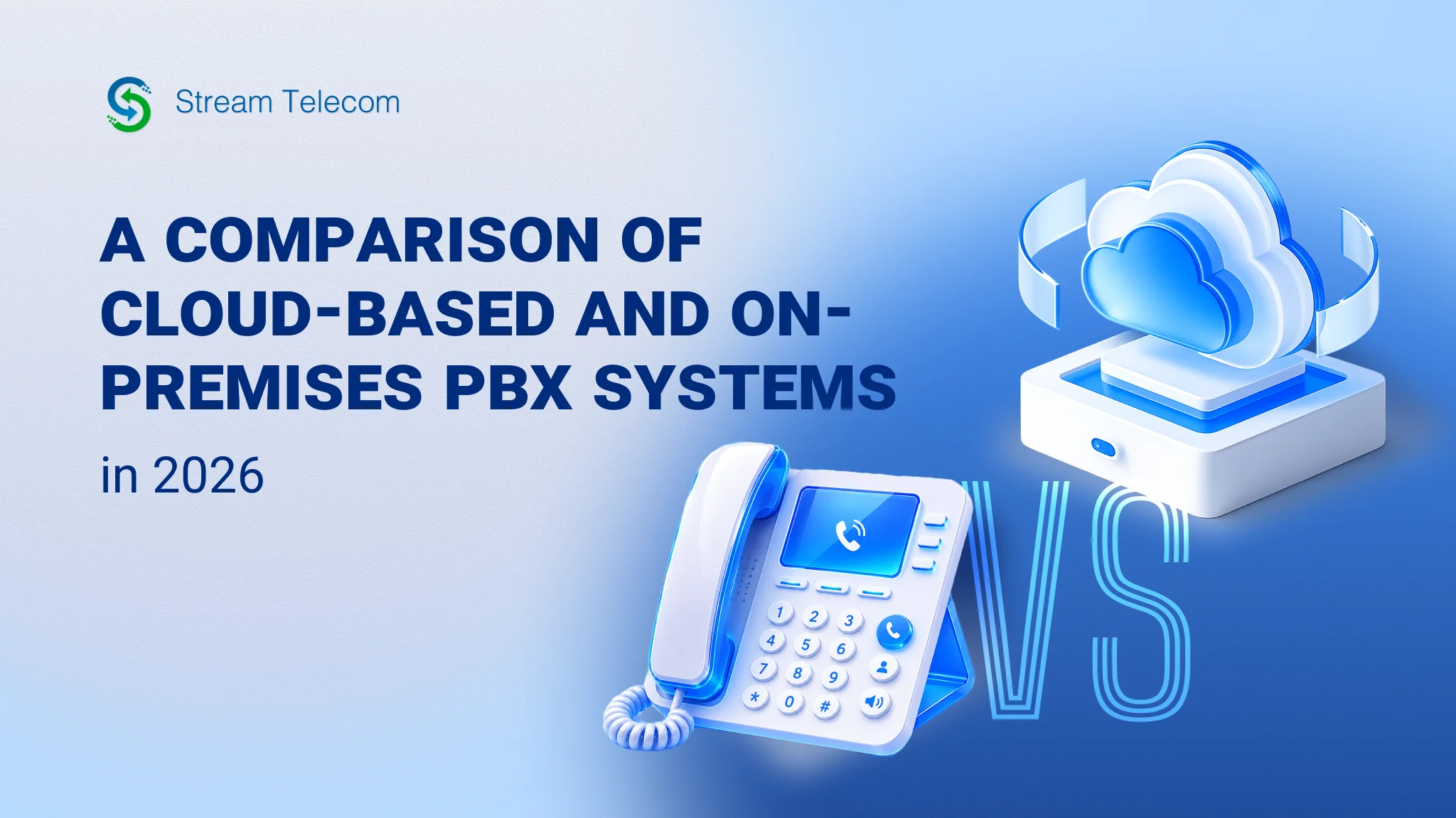
Cloud PBX vs. On-Premise PBX: A 2026 Comparison
An on-premise PBX is a communication system where call management is handled through an office server. It includes a switching core, gateways, IP phones, cabling, power supply, and administration nodes. Without cloud telephony scaling, it cannot operate efficiently. In an on-premise PBX, incoming and internal lines run through the company’s own equipment, and call routing is performed on-site. In 2026, maintaining a local telephone exchange makes sense when full physical control over the switch or a specific network direction is required. Here, communication depends on server condition, power supply, and backup channels — and the system’s operation is closely tied to the office infrastructure.
What a Cloud PBX Is and How It Works
The advantages of a cloud PBX for business stem from its SaaS model. The telephony platform is hosted in the provider’s data center. Users connect over the internet from a softphone, IP phone, or mobile app. The provider manages the process and all configurations, while the company accesses features through a web panel or application.
Migrating from an on-premise PBX to a cloud system simplifies the launch of new numbers, onboarding of employees, and distribution of access rights across departments. Virtual telephony accepts remote commands and supports connections from multiple locations — making it well suited to companies with frequent staff changes or branch networks.
When integrated with corporate systems, cloud telephony connects to CRMs, service desks, contact centers, and business applications via API or built-in connectors. This connectivity makes the platform effective for sales, support, and call analytics.
Cloud vs. On-Premise PBX: Key Parameter Comparison
One of the drawbacks of an on-premise PBX is the higher upfront investment required — server configuration, telephone switch setup, and network equipment installation. A cloud PBX shifts to a subscription model with regular service payments. In the first case, the company funds its own infrastructure; in the second, it pays for usage and provider support.
Implementation and Maintenance Costs On-premise PBX implementation costs cover equipment, installation, licenses, backup power, and support from an internal team or contractor. For the cloud model, the primary payments go toward a monthly subscription, with updates and maintenance handled by the provider. Investment in a local server follows a long-term capital expenditure model — CAPEX. A cloud PBX requires only operational expenses — OPEX.
Scalability and Flexibility When comparing 2026 IP telephony with on-premise systems, it becomes clear that the latter requires additional modules, free ports, or server reconfiguration to add new numbers, internal extensions, or features. In cloud telephony, users, lines, and options are activated through the admin panel without any hardware expansion.
Reliability and Continuity On-premise telephony depends on the office network, servers, and power supply. Stable operation requires UPS units, backup communication channels, and node redundancy. Cloud services run in data centers with geo-redundancy, clustering, and automatic failover. When an office outage occurs, employees can continue working through a mobile app.
CRM and Business System Integrations An on-premise PBX supports integrations via API, SIP connectors, or separate server modules — each requiring manual configuration and dedicated administration. In cloud telephony, CRM integrations are typically available as part of the base feature set, with support for Bitrix24, amoCRM, ERP, helpdesk platforms, call analytics, callback, and click-to-call.
Mobility and Remote Work An on-premise PBX is tied to the office network. Remote work requires VPN, port forwarding, or separate SIP routes. Compared to location-independent IP telephony, this functionality is less efficient for distributed teams.
Security and Data Control An on-premise setup gives the company full control over the physical placement of servers, the network, and access policies. In a virtual service, a significant portion of responsibility shifts to the cloud PBX provider’s infrastructure security. Updates and technical stability are the provider’s obligations, while the company manages access rights, roles, and usage policies.
Key Advantages of a Cloud PBX in 2026
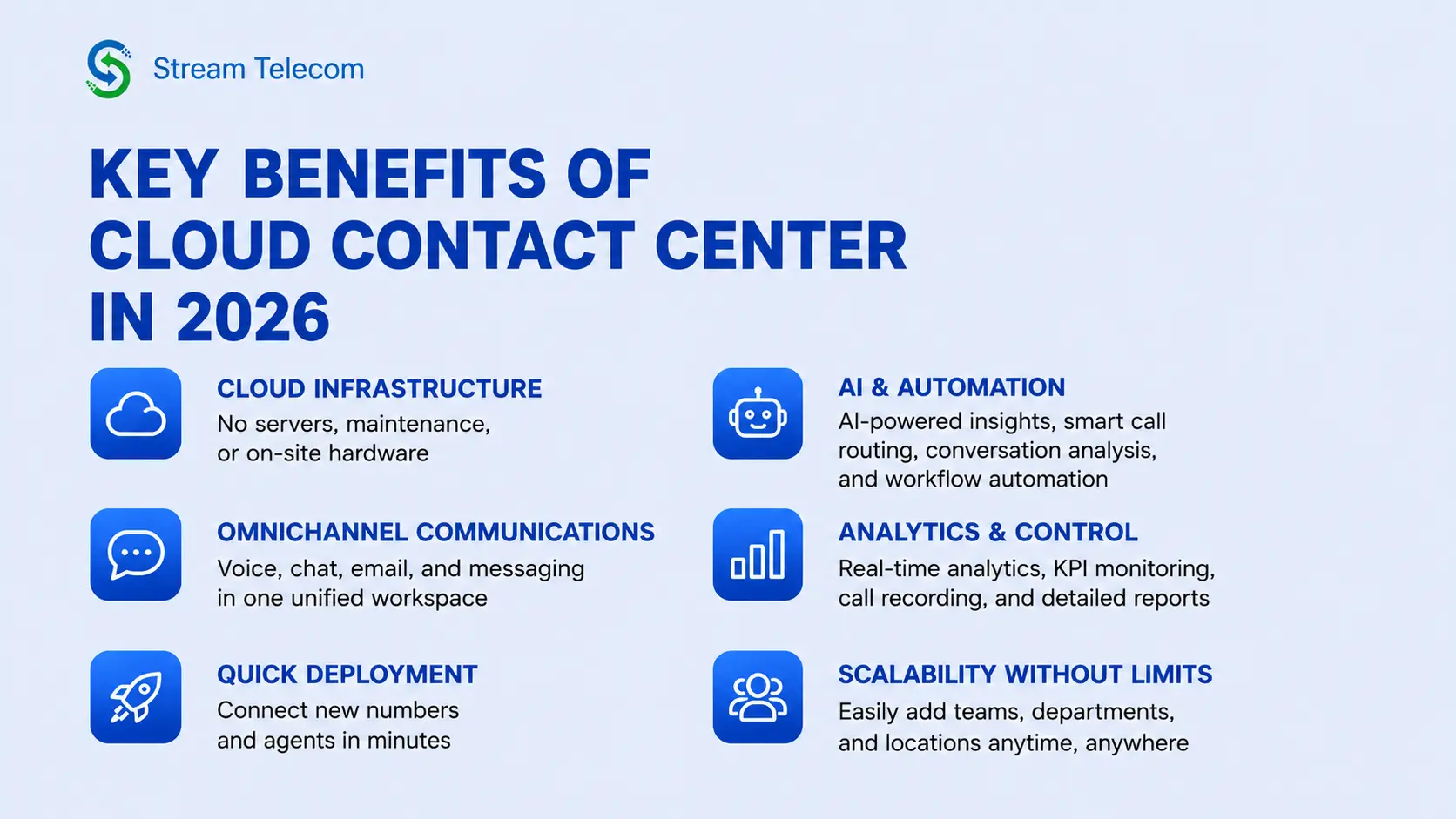
In 2026, comparing a virtual PBX against an office PBX reveals a clear set of advantages for the cloud. Cloud telephony is closely tied to automation, AI assistance, omnichannel communications, and the rapid deployment of new workstations. Contact centers and business communications gain tools for intelligent request distribution, conversation analysis, and unified handling of voice, chat, and email.
Another advantage is speed of deployment. A cloud platform connects without purchasing servers at the customer’s site, lengthy installation, or binding to a single office or building.
When an On-Premise PBX Still Makes Sense
Whether cloud or on-premise telephony will be more effective depends on the tasks at hand. A local PBX remains relevant when strict access rules, a closed communication loop, or binding to an internal network are required. It is the preferred choice when a company has:
- Specific requirements — non-standard routing rules, internal call logs, or specialized voice gateways
- Closed networks — operation without public internet access or within an isolated segment
- Regulatory constraints — requirements for server placement, call recording processing, and infrastructure access
For these conditions, an on-premise system remains a viable option.
Why Businesses Are Moving to Cloud Telephony
To understand whether cloud or on-premise is the better choice, the details need to be analyzed. Migration to virtual telephony is driven by the shift to distributed teams, the need for rapid scaling, and the desire to eliminate the costs of maintaining proprietary hardware. It is simpler for a business to pay a subscription than to maintain servers, spare nodes, licenses, and a dedicated infrastructure support team.
The economic logic also favors the cloud. The platform updates centrally, new employees connect without cable installation, and the company gains better cost control through predictable monthly payments.
How to Choose the Right Solution for Your Company
Start by assessing scale: number of subscribers, offices, incoming channels, and call-handling directions. Then evaluate the budget for launch and ongoing maintenance, and check compatibility with your CRM, service desk, corporate email, and mobile devices.
Consider the team separately: does it need a physical PBX in 2026 with full autonomy and local administration? Depending on the business’s needs, a provider’s web panel and standard access options may be sufficient.
Make the Move to Next-Level Telephony Today
Contact Stream Telecom to learn the advantages and disadvantages of cloud PBX versus on-premise PBX. You will receive a consultation, an audit of your current telephony setup, and a test of the virtual service within your real working environment. This makes it easier to assess the current communication scheme, identify bottlenecks, and select a configuration that fits your company’s requirements.