TOP 7 Benefits of Stream Telecom Virtual PBX for Businesses
Businesses invest in advertising to generate more inquiries. But some potential orders are lost during phone calls: a customer does not get an answer, cannot reach the right specialist, or never receives the promised callback.
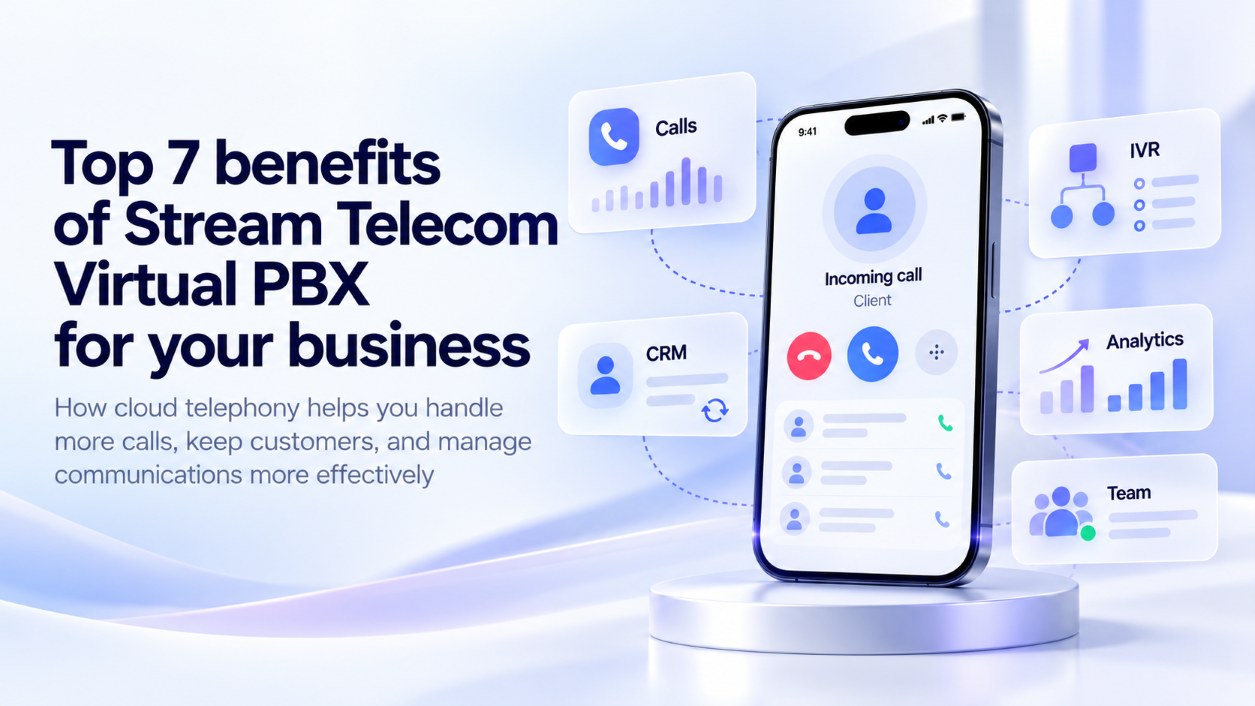
To reduce these situations, the entire process needs to be organized: routing calls between employees, following up on missed calls, and keeping a record of communications. This is where Stream Telecom Virtual PBX comes in — a cloud-based system for managing business calls. It connects phone numbers and employees and, through CRM integration, links phone inquiries to the work being done on orders.
Let us look at seven benefits that help teams work more effectively with customers and give managers visibility into the results of that work.
1. More Answered Calls — Fewer Lost Opportunities
If a company uses a single-channel phone number, the line may be busy for other customers while a manager is on a call. A multichannel number makes it possible to receive several calls at the same time. Virtual PBX distributes them among employees according to the rules you set.
To make this work, you configure:
Even if no one answers, the call remains in the call history. The team can see who needs a callback.
This is especially important during promotions and periods of increased seasonal demand. Before launching an advertising campaign, you can assign more employees to handle calls and adjust the routing order so the team is ready for a higher volume of inquiries.
2. Telephony and CRM: Customer History at Your Fingertips
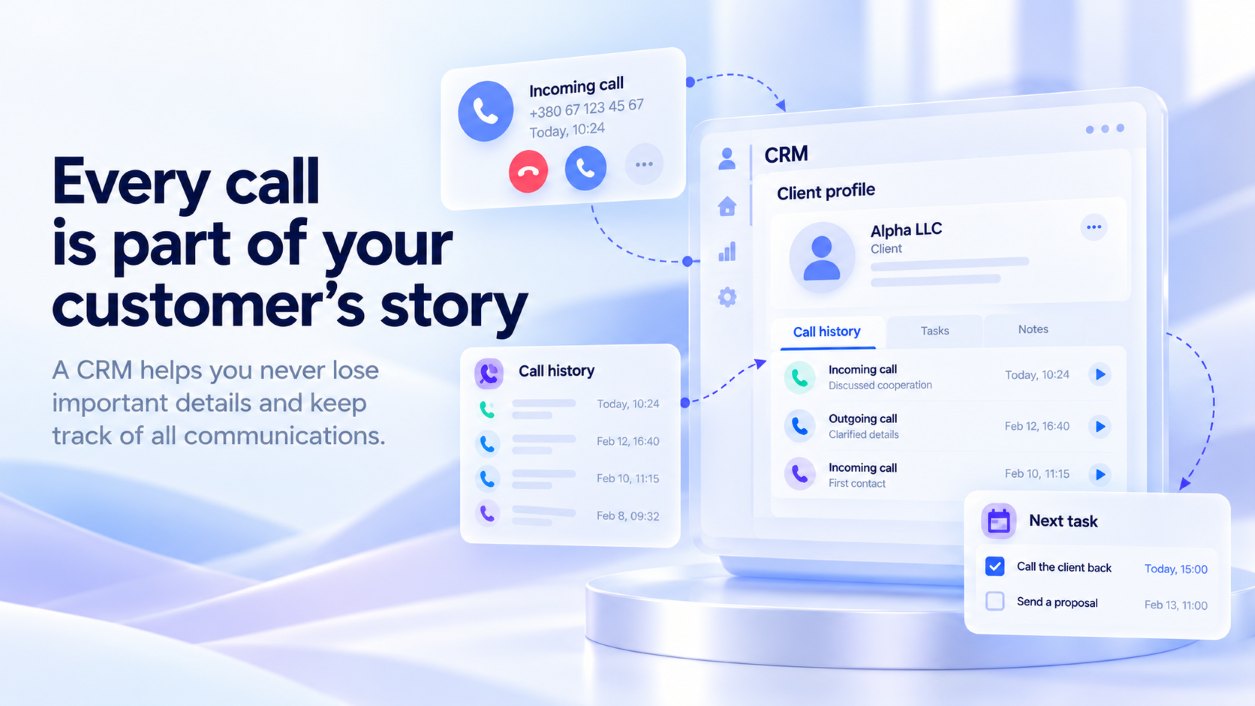
When a customer calls again, they expect to pick up where the previous conversation left off. Integrating telephony with CRM helps the manager quickly find previous inquiries and understand the current status of the order.
Depending on the CRM features and settings, an employee can open the customer record during a call, make calls directly from it, review call history, and listen to recordings. Call data is transferred to the system automatically, while the manager records agreements and follow-up tasks in the customer record.
Less time searching for information — more attention to the customer. This makes a difference when another employee takes over: they can see previous interactions and recorded agreements.
Stream Telecom Virtual PBX can be integrated with StreamCRM or another CRM. Before launch, we will check compatibility and determine which integration features your team needs.
3. The Right Specialist — Without Unnecessary Transfers
A buyer choosing a product needs advice from a sales representative. A customer asking about delivery needs help from the relevant department. If every call first goes to one person, that employee spends time routing calls manually.
An IVR voice menu helps direct inquiries to the right department from the outset. The customer selects a menu option, and the PBX connects them to the person responsible.
Routing rules can also take working hours into account. For example, after a shift ends, calls can go to an employee on duty, or the customer can hear a message about service hours.
We will help create a call flow with a short menu and clear options. This makes it easier for customers to reach the right specialist and allows the team to focus on its tasks.
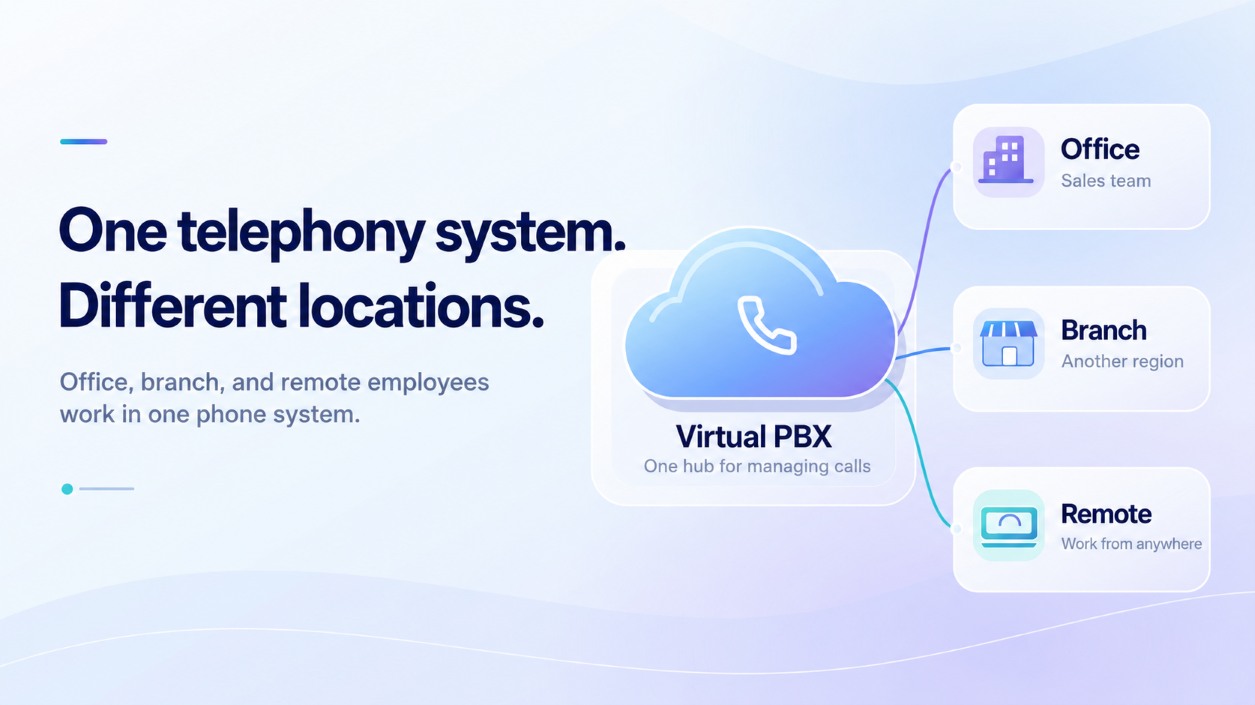
4. One Phone System for All Branches and Employees
A shared phone system makes it possible to coordinate the work of the main office, branches, and remote employees. Customers call corporate numbers, and the PBX routes their calls to employees regardless of where they are located.
To make calls over the internet, employees can use a computer with a headset, a smartphone with an app, or an IP phone. Internal extensions help colleagues contact one another quickly and transfer calls between departments.
For example, a new branch can handle local inquiries independently and transfer complex consultations to specialists at the head office. Customers do not need to look for another number and call again.
5. Call Recordings for Better Service and Training
Call recordings help establish exactly what a customer asked and how the manager responded. This is useful when you need to check order details, investigate a complaint, or provide an employee with feedback.
Recordings also help you:
For example, customers regularly ask for clarification about the return policy. By listening to calls, a manager can find out whether employees explain the terms clearly enough. The next step is to adjust the wording and check whether misunderstandings become less frequent.
A specific example from a conversation helps an employee understand exactly what needs improvement. This way, training is grounded in the team’s day-to-day tasks.
6. Call Analytics: See Where Changes Are Needed
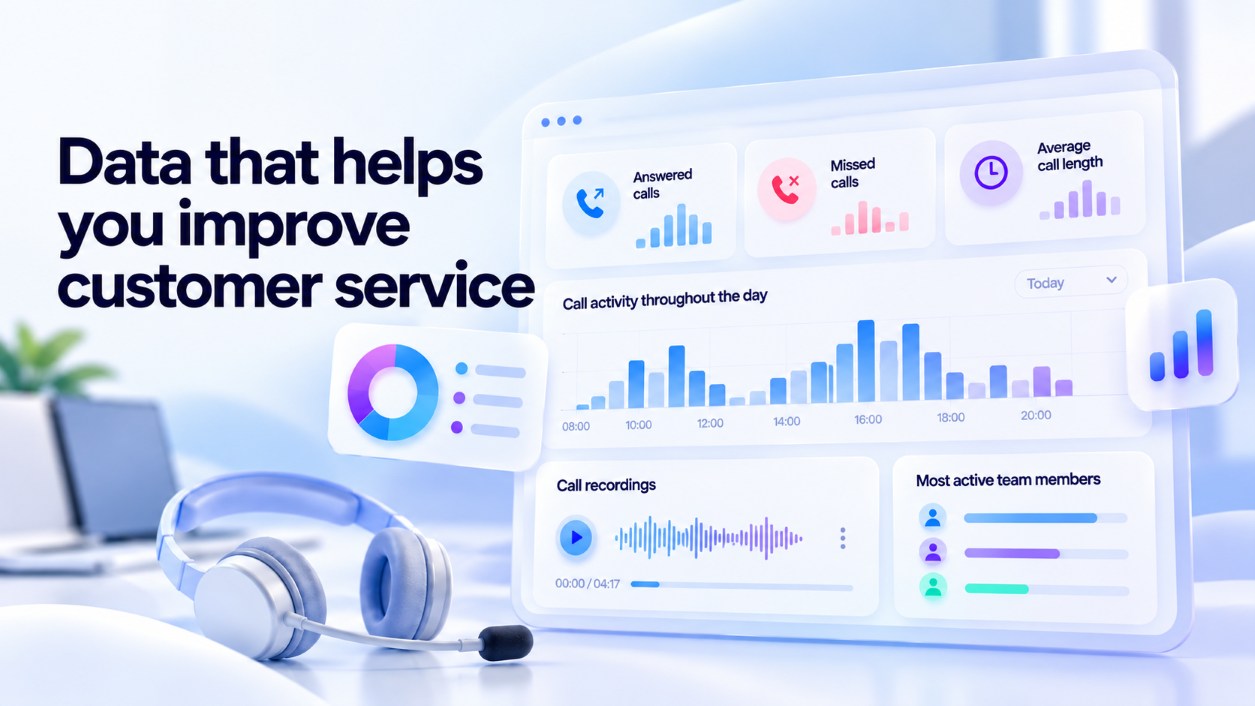
To distribute workloads effectively, managers need to know when calls come in, who answers them, and how many inquiries go unanswered. Virtual PBX maintains statistics on incoming, outgoing, and missed calls, as well as call duration.
This data helps you make practical decisions:
- Many missed calls during lunch hours. Review break schedules so that part of the team remains available to answer calls.
- One manager is overloaded while others handle few calls. Check the routing rules and employee availability.
- Call volume increased after a promotion launched. Assess whether additional employees are needed.
To assess sales performance, call statistics should be compared with results in CRM. The number of conversations shows activity, while order data helps you understand what that activity has led to.
7. Phone System Setup and Expansion with Stream Telecom Support
With Virtual PBX, there is no need to buy and maintain your own telephony server. We will select a configuration based on the number of employees, call volume, and the company’s needs, set up call routing, and connect the agreed integrations.
Before your team starts using the system, we will explain how it works. Your company will have a dedicated account manager who can answer questions about settings and services.
As your business grows, the phone system can be expanded: you can add employees, connect a new department, or change call flows. We will help adapt the system to these changes.
14 Days to Test the PBX in Action
Try Stream Telecom Virtual PBX free for 14 days.
During this time, you can assess how calls are distributed, how convenient the system is for managers, and what data supervisors receive. We will help configure the system for your needs and identify the necessary integrations.
Before the trial begins, we will explain the terms of use and calculate the cost of your chosen configuration. You will know how the phone system will work and how much it will cost to use afterward.
Request a trial — we will configure Virtual PBX for your team and help you get started.